ScreenDraw lets you draw on top of your screen in Excalidraw's style.
Download for macOS (macOS 13 or later)
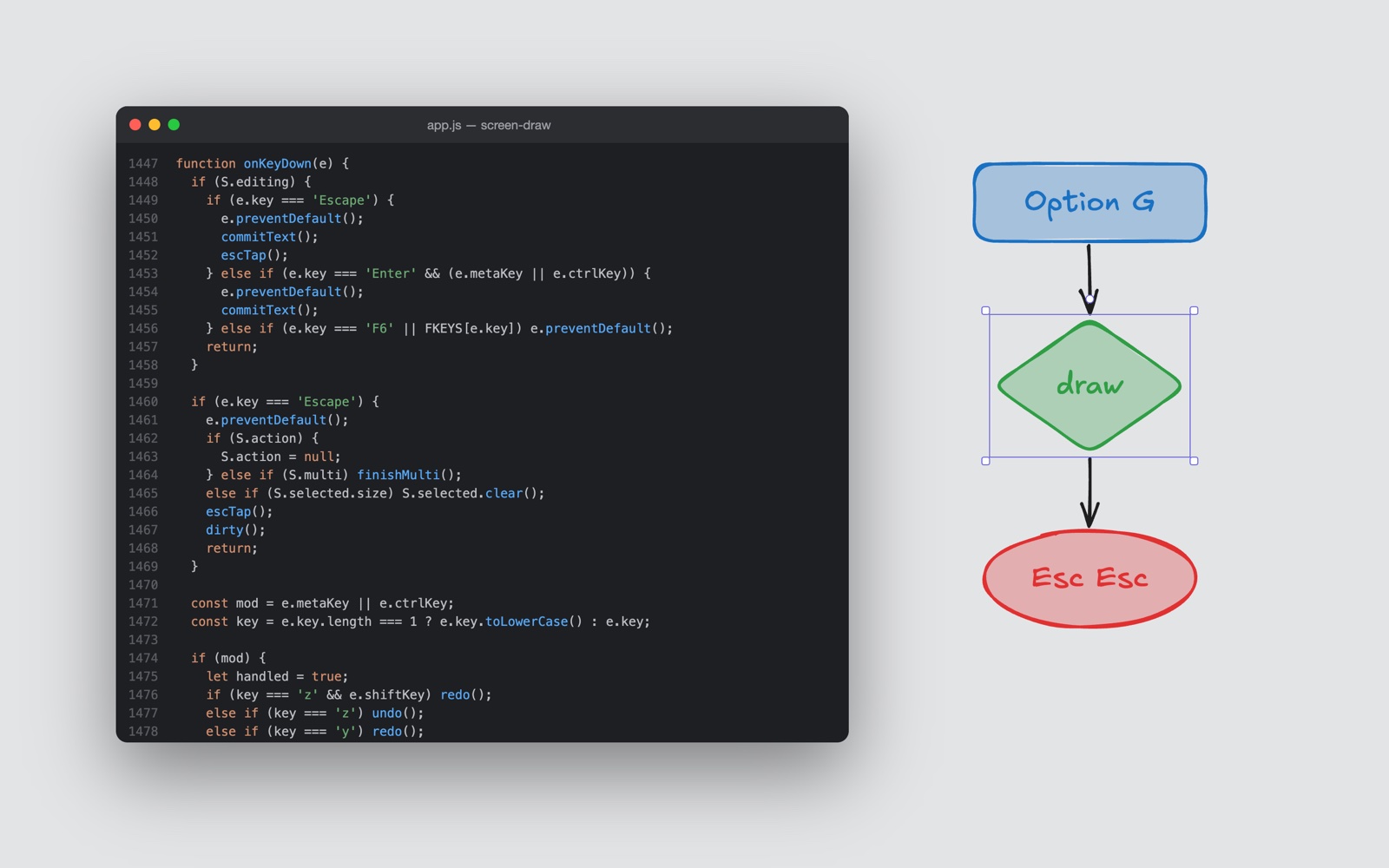
| ⌥G | Open the drawing layer on the screen under your mouse |
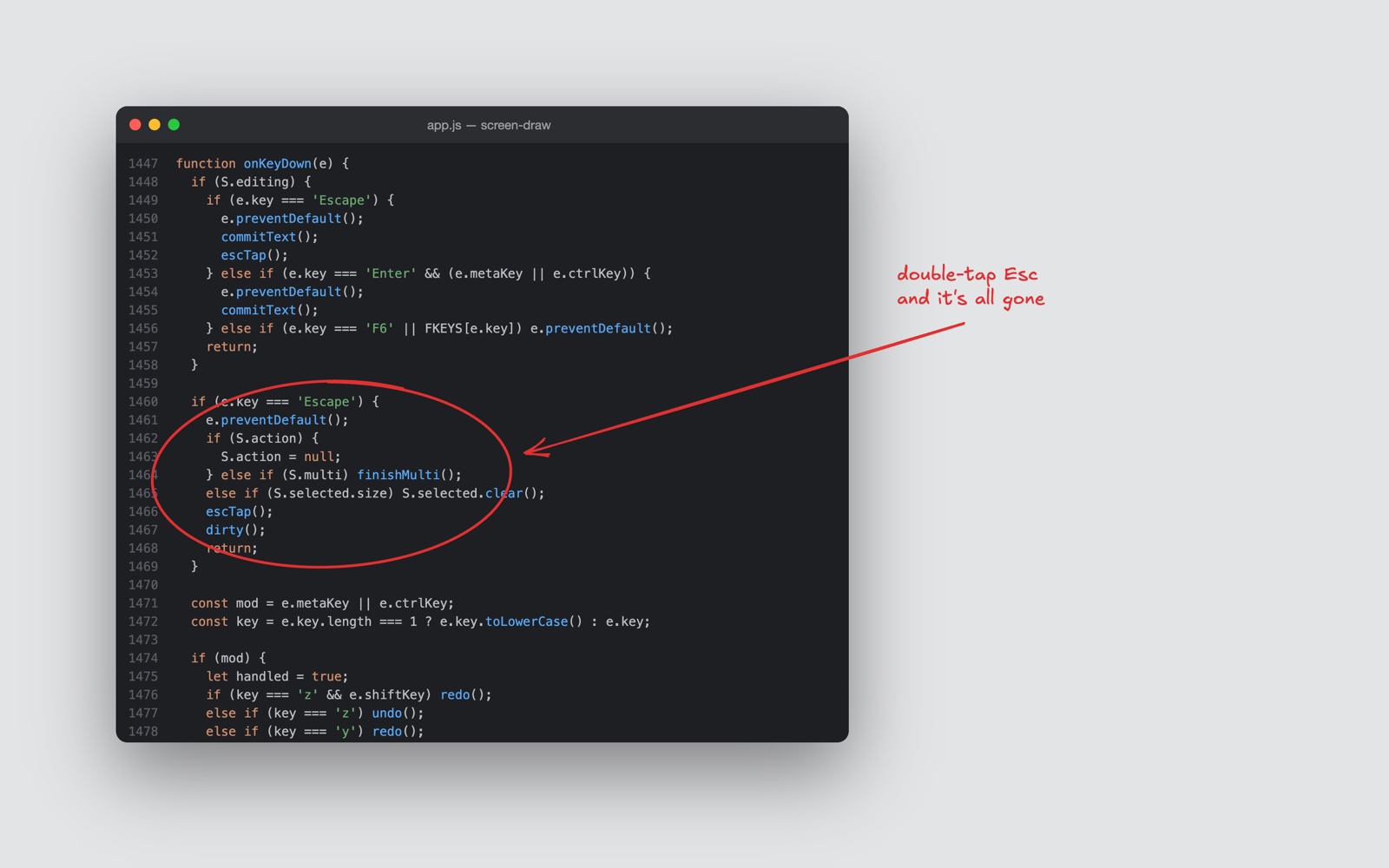
| Esc Esc | Clear everything and go back to where you were |
| ⌘Q | Quit |
| Q | Pen |
| V | Select |
| R | Rectangle |
| D | Diamond |
| C | Ellipse |
| A | Arrow (drag, or click point to point and press Enter) |
| W | Line (drag, or click point to point and press Enter) |
| T | Text |
| E | Eraser |
| Double-click | Text anywhere. Near a shape's center it labels the shape. |
| 1–5 | Stroke: red, blue, green, black, white |
| F1–F5 | Fill in that color (or ⇧1–⇧5) |
| F6 | No fill (or ⇧6) |
| X | Solid or dotted |
| Scroll | Size of the next thing you place |
| ⌘⇧. / ⌘⇧, | Bigger / smaller text |
| ⌘Z / ⌘⇧Z | Undo / redo |
| ⌘C / ⌘V / ⌘X / ⌘D | Copy / paste at cursor / cut / duplicate |
| ⌘A | Select all |
| Delete | Delete selection |
| ⌘G | Group, or ungroup a group |
| ⌘↑ / ⌘↓ | Bring forward / send backward (add ⇧ or ⌥ for front / back) |
| Arrows | Nudge the selection 1px (⇧ for 5px) |
| Enter | Edit the selected text or label |
| Drag a corner | Resize (⇧ keeps the ratio, ⌥ resizes from the center) |
| Drag an edge | Resize one side |
| Drag the dot above | Rotate (⇧ snaps to 15°) |
| Drag a line's points | Move them. Drag the faint midpoints to bend the line. |
| ⌥-drag | Duplicate |
| ⇧-click | Add to the selection |
| Drag on empty space | Box-select |
| ↑ / ↓ | Older / newer drawings, with nothing selected. The last 100 are kept. |